
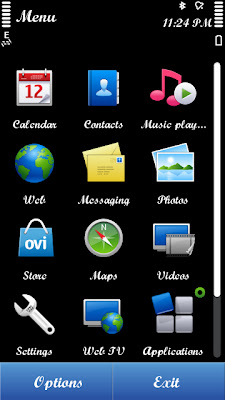
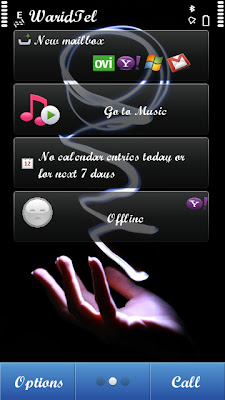
You can change fonts of any Symbian^3 Smart Phone (N8, C6-01, C7 and E7), but you’ll need a PC and you need to connect your phone in Mass Storage Mode. Follow the simple guide and you’ll be done with changing the default fonts on your smart phone.
1. Download any one of these fonts: LCurveAR, ScriptBAR
2. Extract the file on your desktop, and copy the resource folder.
3. Connect your smart phone to your PC via USB cable in MASS STORAGE MODE, and paste the resource folder in E:/ so that the path becomes E:/Resouce/Fonts. (If you are unable to do that make sure you have connected your smart phone in MASS STORAGE MODE).
4. Restart your Symbian^3 Smart Phone and Enjoy the new font.
File has been deleted. Please update links.